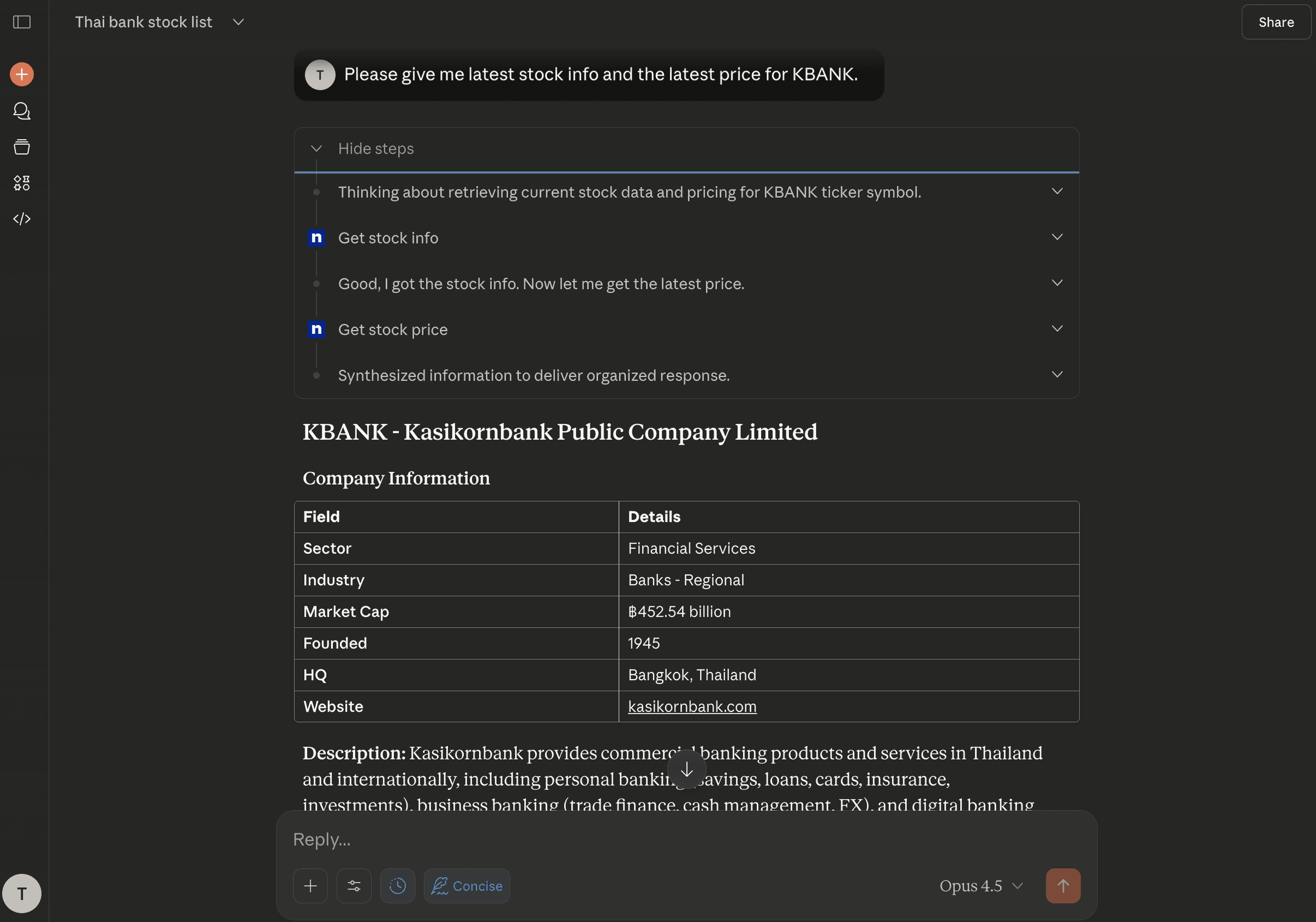
I built an MCP server for Thai stock data and connected it to Claude.ai as a Custom Connector. The tools were the small part. The authorization was the real work.
Why authorization is the hard part
A demo MCP server is easy to write. A server that a remote client can safely connect to needs real authorization, and that means implementing the OAuth 2.1 flow an MCP client expects rather than handing out a static key.
What the server does
It's Python 3.10 with FastMCP, reading SET data through yfinance with the .BK suffix. Prices are delayed 15–20 minutes. There are three tools:
get_stock_priceget_stock_infosearch_stocks
Two transports are exposed, /mcp for Streamable HTTP and /sse for SSE. Both are OAuth-protected.
The OAuth 2.1 surface
These are the pieces the server implements:
| Piece | Standard |
|---|---|
| PKCE | RFC 7636 |
| Dynamic client registration | RFC 7591 |
| Audience validation | RFC 8707 |
| Access tokens | JWT RS256 |
| Refresh tokens | 30-day, rotating |
The endpoints are /oauth/register, /oauth/authorize, /oauth/token and /oauth/revoke, plus the .well-known metadata and JWKS.
What makes it production-ready
- A 60-second TTL cache, with asyncio
- A rate limit of 100 requests per minute per IP
- CORS,
/healthand/metrics - Structured JSON logs, security headers and a non-root container
Traffic goes through Cloudflare for SSL, then nginx on port 80, then FastMCP and uvicorn on port 8000.SIDENOTEThere are separate Docker Compose files for dev, test and prod.